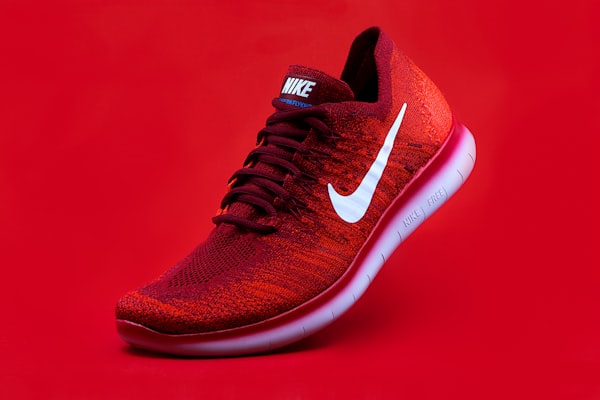
AI Remove Background
One-click cutouts with clean edges for catalog and ads.
Coming soon — full features launching shortly
Remove backgrounds, generate scenes, relight products and enhance ecommerce photos in seconds.

Product features are under construction
We're building the full AI image workspace. Launching soon — stay tuned.
AI Tools
Six core AI capabilities built for ecommerce sellers and content teams.
One-click cutouts with clean edges for catalog and ads.
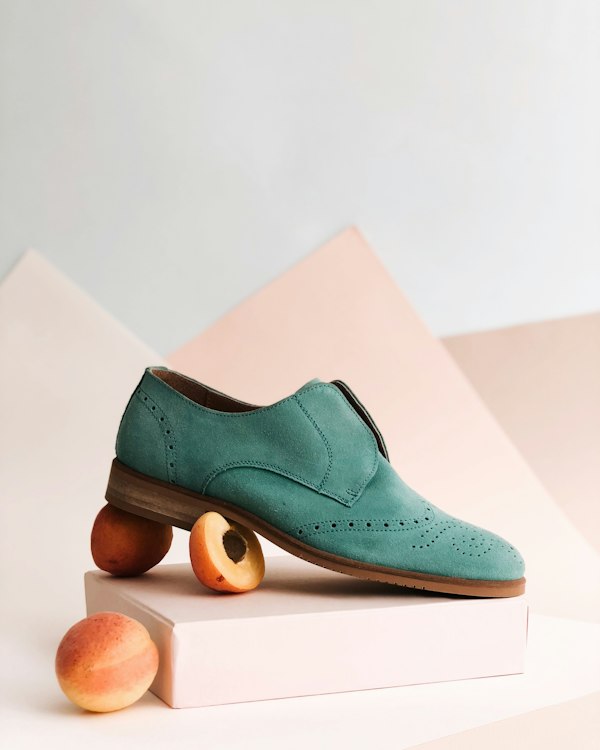
Place products in lifestyle scenes that convert.
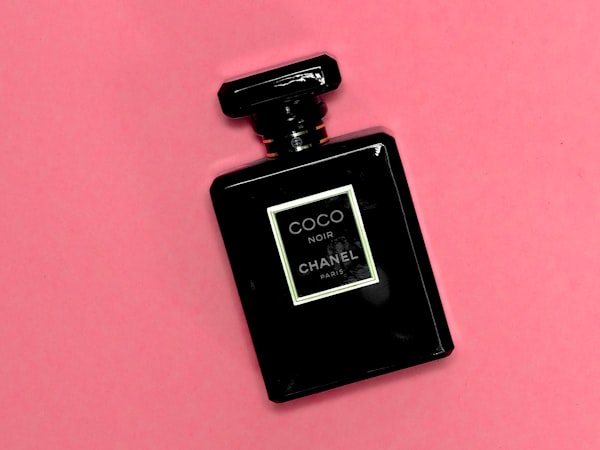
Fix harsh shadows and uneven lighting instantly.

Natural drop shadows that match your brand style.
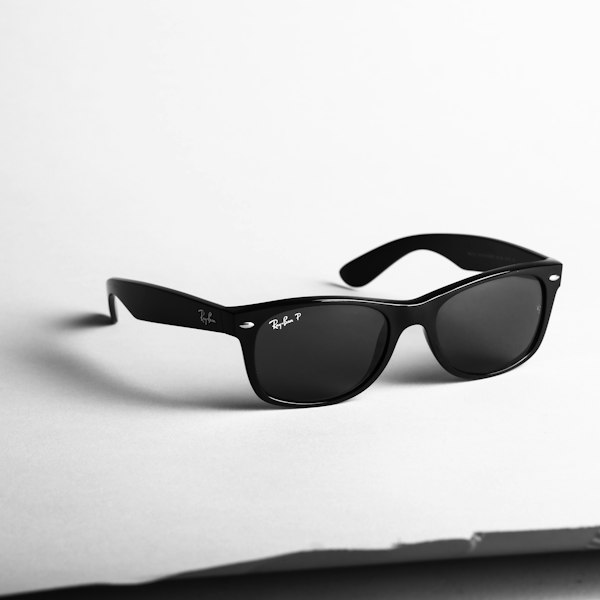
Sharpen details for marketplaces and print.

Polish textures, colors and imperfections in bulk.
Workflow
Upload once, run your full ecommerce visual pipeline, and export everywhere you sell.
Drop your product photo
Clean cutout in seconds
Balance light and shadow
AI lifestyle backgrounds
PNG, JPG, WebP ready to sell
Results
Drag to compare before and after across product, portrait and social use cases.
Ecommerce product


Portrait & lifestyle


Social media creative


Use cases
Pick your workflow — Imgora adapts to your channel and volume.
Studio-quality listings for DTC and brand stores.
Amazon, Etsy and multi-channel ready assets.
Scroll-stopping creatives for ads and organic posts.
Batch edits for blogs, newsletters and campaigns.
FAQ
Everything you need to know before starting your first project.
Join sellers and creators who ship studio-quality visuals without a photoshoot.